Technology
Home Cybersecurity 2026: 10 Steps That Actually Protect You
Most home security failures start with a reused password or unpatched router. Ten steps for 2026 that take an afternoon and protect the devices you rely on.

Home cybersecurity is usually presented as a list of scary threats. It is more useful as a short list of chores. Most break-ins are not sophisticated. They are a reused password, an old router firmware, or a link that looked almost right. Fix the chores and you remove most of the risk.
Start with your passwords
Use a password manager and let it generate long, unique passwords. The goal is not to memorise them; it is to stop one leaked password from opening five other accounts. If you do nothing else this year, do this.
Turn on two-factor authentication everywhere it is offered, especially for email and banking. An authenticator app or a hardware key is stronger than a text message, but even SMS is much better than a password alone. Keep backup codes somewhere offline.
The most effective security setting is the one you turn on once and never have to remember again.
Patch the things you forget
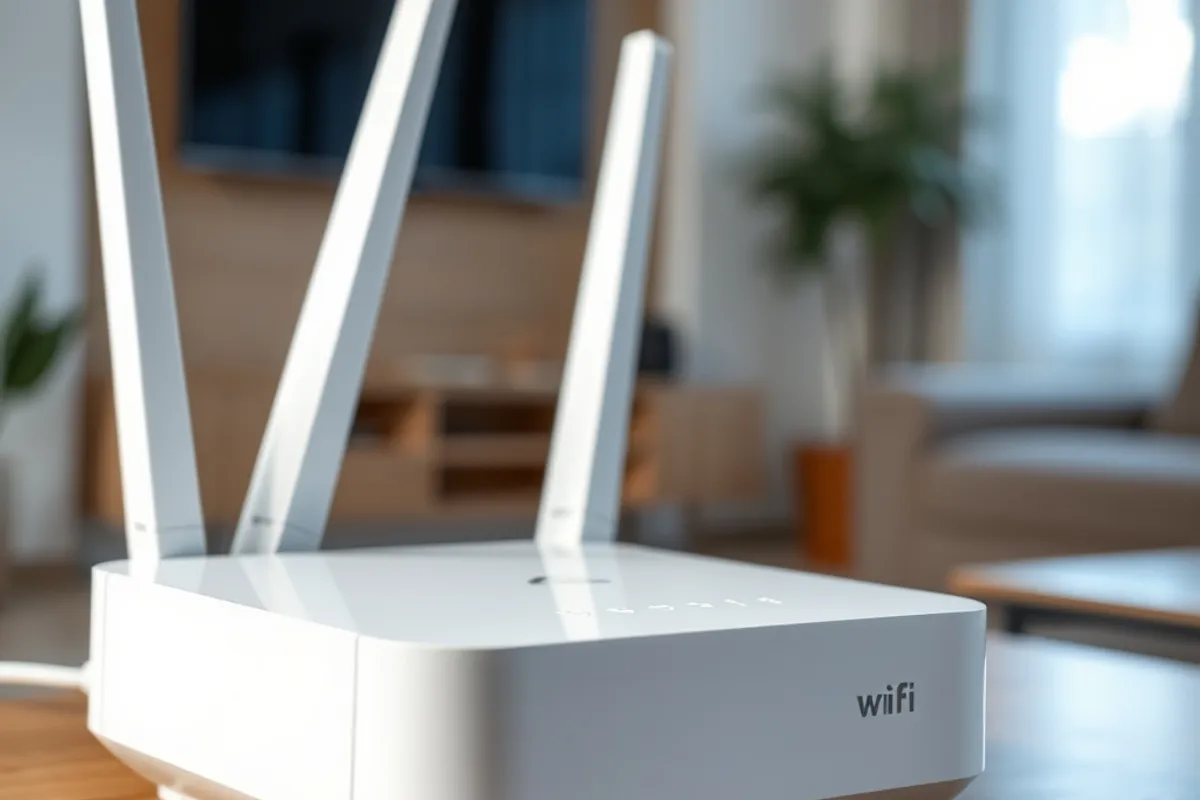
Enable automatic updates on your phone, computer and browser. Then check the devices that do not update themselves: the router, smart speakers, cameras and the TV stick. These are small computers, and they are often years behind on security fixes.
Replace hardware that no longer receives updates. A cheap camera that has not had a firmware release in three years is a liability, not a bargain. If the manufacturer has stopped publishing updates, the correct upgrade is a new device from a brand that still does.
Separate your network
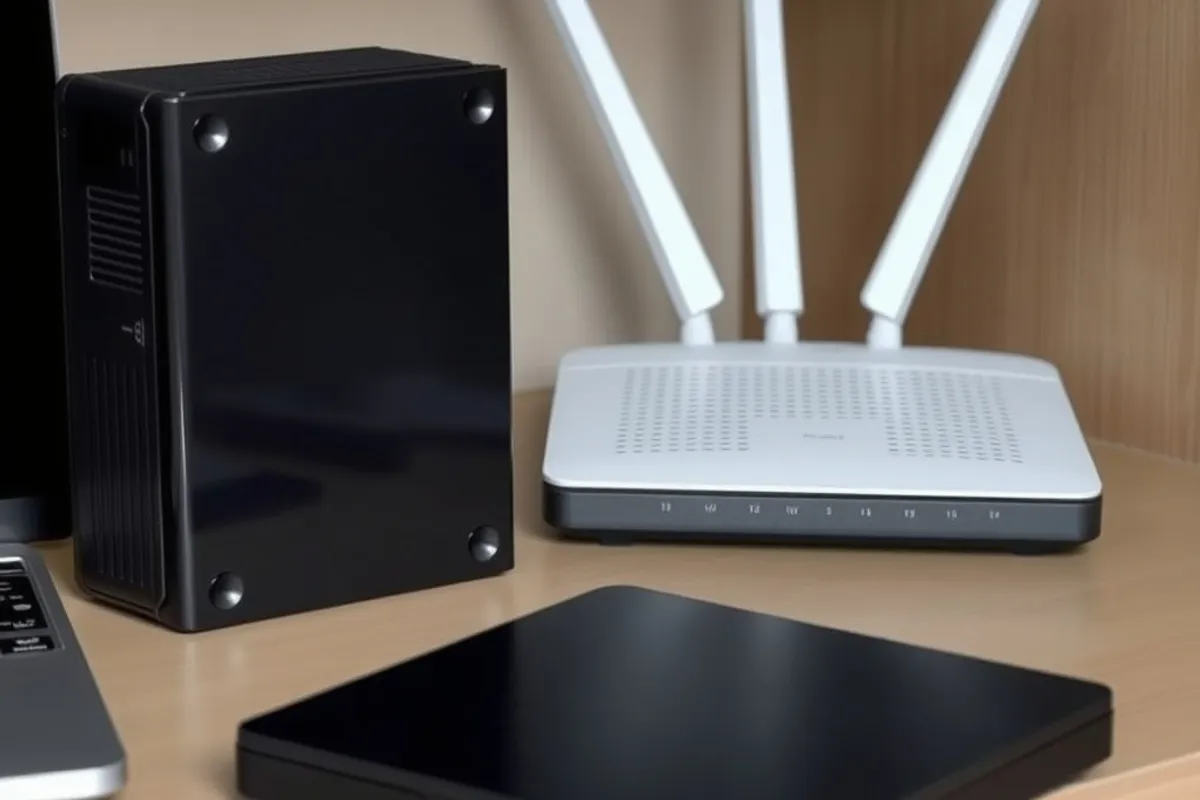
Put smart devices on a guest network and keep work laptops on the main one. This does not stop every attack, but it limits how far an infected gadget can reach. Change the router admin password and disable remote administration unless you genuinely need it.
Check what is connected to your network and remove anything you do not recognise. Most routers list connected devices. If a name looks strange, investigate before you assume it is a neighbour using your wifi.
Handle links and backups
Slow down on links that ask for a login, a payment or a document you were not expecting. Open the service directly instead of clicking through. Phishing works by creating urgency, so a thirty-second pause is a real defence.
Keep an offline or cloud backup of the files you cannot replace. A backup is the difference between a nuisance and a loss. Set it to run automatically each week and keep one copy on a drive you connect only to restore, so a ransomware script cannot reach it. Test a restore once a year, because a backup you have never restored is only a hope.
The ten-step checklist
Use a password manager. Turn on two-factor authentication. Enable automatic updates. Patch the router. Replace end-of-life devices. Put smart gadgets on a guest network. Change the router admin password. Remove unknown devices. Slow down on unexpected links. Keep and test a backup.
None of these steps require a technical background, and most take minutes. The aim is not a perfect fortress; it is to be harder to attack than the next household, so that a generic campaign moves on. For neutral definitions of the threats and controls, see the Wikipedia article on computer security. It is a solid reference before you buy another gadget. For the workplace side, read our guide to AI at work.